
Google I/O 2015 announced new Android M (Milkshake?) with new permissions system and a lot of optimization. There were also presented smarter apps, bett...
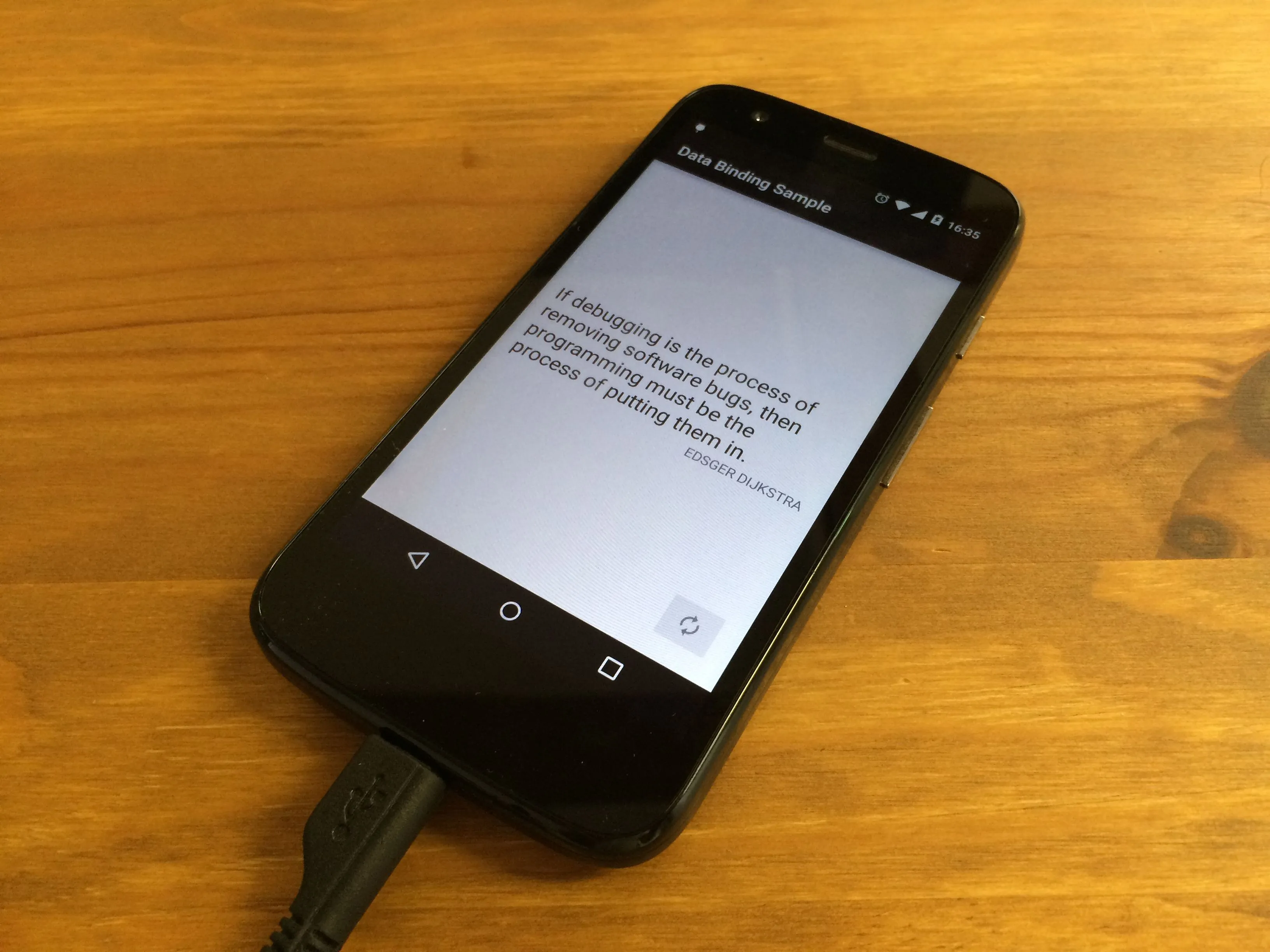
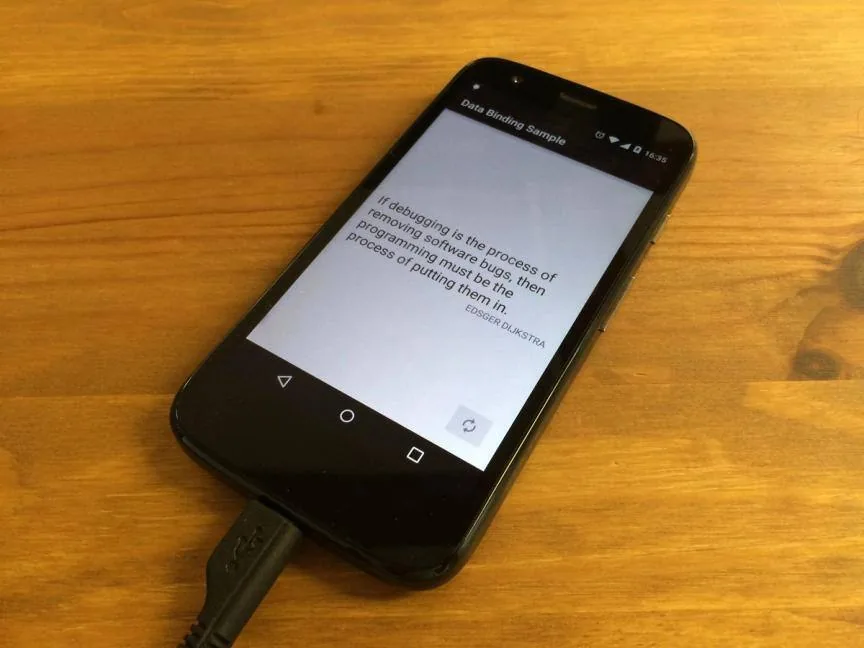
Google I/O 2015 announced new Android M (Milkshake?) with new permissions system and a lot of optimization. There were also presented smarter apps, better wearables, Android Pay and bunch of other changes. But my attention was focused on Data Binding shown in “Building Apps Faster with Android Data Binding” presentation. Unfortunately it’s not available on Youtube but there is documentation on developer.android.com (opens in a new tab). It starts with:
This document explains how to use the Data Binding Library to write declarative layouts and minimize the glue code necessary to bind your application logic and layouts.
Sounds like optimization of developer life time so I’ll build some sample application (opens in a new tab) to try and understand this approach.
Data Binding library is a beta release and you have to use Gradle 1.3.0-beta1 or higher.
First add dependencies to build.gradle file in the project’s folder.
dependencies {
    classpath "com.android.tools.build:gradle:1.3.0-beta1"
    classpath "com.android.databinding:dataBinder:1.0-rc0"
}
Then apply plugin in app module build.gradle.
apply plugin: 'com.android.application'
apply plugin: 'com.android.databinding'
That’s all.
Let’s say we are developing an application with famous quotes of IT. We need Quote model to keep text and author of quote.
public class Quote {
    private String text;
    private String author;

    public Quote(String text, String author) {
        this.text = text;
        this.author = author;
    }

    public String getText() {
        return text;
    }

    public void setText(String text) {
        this.text = text;
    }

    public String getAuthor() {
        return author;
    }

    public void setAuthor(String author) {
        this.author = author;
    }
}
Next we define layout to show quote of the day. To make it working with Data Binding you have to encapsulate root view in <layout> tag and add <data> tag with variables. Look at code snippet below. Variable quote is defined with type of our model class name. You can define many variables in one layout. All basic Java types are supported and even Lists, Arrays, Maps and more. Now you can set text attribute in TextView using the “@{}” syntax eg. “@{quote.text}”.
<?xml version="1.0" encoding="utf-8"?>
<layout xmlns:android="http://schemas.android.com/apk/res/android">

    <data>
        <variable name="quote" type="pl.snowdog.databindingsample.model.Quote"/>
    </data>

    <RelativeLayout android:layout_width="match_parent" android:layout_height="match_parent">

        <TextView android:id="@+id/quoteText" android:layout_width="wrap_content" android:layout_height="wrap_content" android:text="@{quote.text}"/>

        <TextView android:layout_width="wrap_content" android:layout_height="wrap_content" android:layout_below="@+id/quoteText" android:text="@{quote.author}"/>
    </RelativeLayout>
</layout>
Finally, bind the data to the view. Binding class will be generated based on the name of the layout file and for activity_main.xml it’ll be ActivityMainBinding. Generated class has getters and setters for variables defined in layout and direct access to the views with id attribute.
@Override
protected void onCreate(Bundle savedInstanceState) {
    super.onCreate(savedInstanceState);

    ActivityMainBinding binding = DataBindingUtil.setContentView(this, R.layout.activity_main);
    Quote quote = MockDao.getRandomQuote();

    // pass variable to the layout
    binding.setQuote(quote);

    // get TextView and set OnClickListener
    binding.quoteText.setOnClickListener(new View.OnClickListener() {
        @Override
        public void onClick(View v) {
            ...
        }
    });
}
I see a lot of benefits of Data Binding library.
You don’t have to define and instantiate views in Activity that you already defined in layout. Just change a bit layout xml file and set content of the views directly from the model.
Android developers are sick of hundreds-lines-long Activities and Fragments. Fortunately, there come with help some new architectural solutions such as Model View Presenter. With Data Binding presenter is generated for you. Even annotation-based view injections are not necesary because you have got access to all views from binding class.
If quote variable from our example is null there won’t be any NullPointerException thrown when @{quote.author} is called. TextView will have null text and for other types they would be set to default values.
Most of Java operators like +, -, *, /, &&, ||, instance_of, and so on works in layout. Look at these examples:
android:text="@{String.valueOf(index + 1)}"
android:visibility="@{age < 13 ? View.GONE : View.VISIBLE}"
android:transitionName='@{"image_" + id}'
You can import and call static methods inside layout. Eg. your own method to capitalize String from custom utils class:
<?xml version="1.0" encoding="utf-8"?>
<layout xmlns:android="http://schemas.android.com/apk/res/android">

    <data>
        <import type="pl.snowdog.databindingsample.util.StringUtils"/>
        <variable name="quote" type="pl.snowdog.databindingsample.model.Quote"/>
    </data>

    <RelativeLayout android:layout_width="match_parent" android:layout_height="match_parent">

        <TextView android:layout_width="wrap_content" android:layout_height="wrap_content" android:text="@{StringUtils.capitalize(quote.author)}"/>
    </RelativeLayout>
</layout>
Modifying values of fields in model won’t update views in basic example above. But there is implemented Observer pattern which allows to change UI on data changes. I’ll check this time saving solution in the next article.
Source code of sample app for Data Binding is available on GitHub. I’ve also shown there how to use it with the RecyclerView.
https://github.com/SnowdogApps/DataBindingSample (opens in a new tab)
I hope that Data Binding library will be developed and become core part of Android environment. There are a lot of facilitations in code which is shorter and easier to read. Please check official documentation (opens in a new tab) for more or wait for my next article about Observables in Data Binding.
The eCommerce agency behind 100+ high-stakes projects, ready to build yours.